Set Up Your First Backup? Four People Who Learn It Failed Before You Do
A backup you have never restored from is a guess. Here is what repair techs, tax preparers, adjusters and IT contractors check, and how to run those checks yourself.
| Author | Wesley Tarbox |
|---|---|
| Section | Innovation |
| Published | |
| Length | 1,390 words · 6 min |
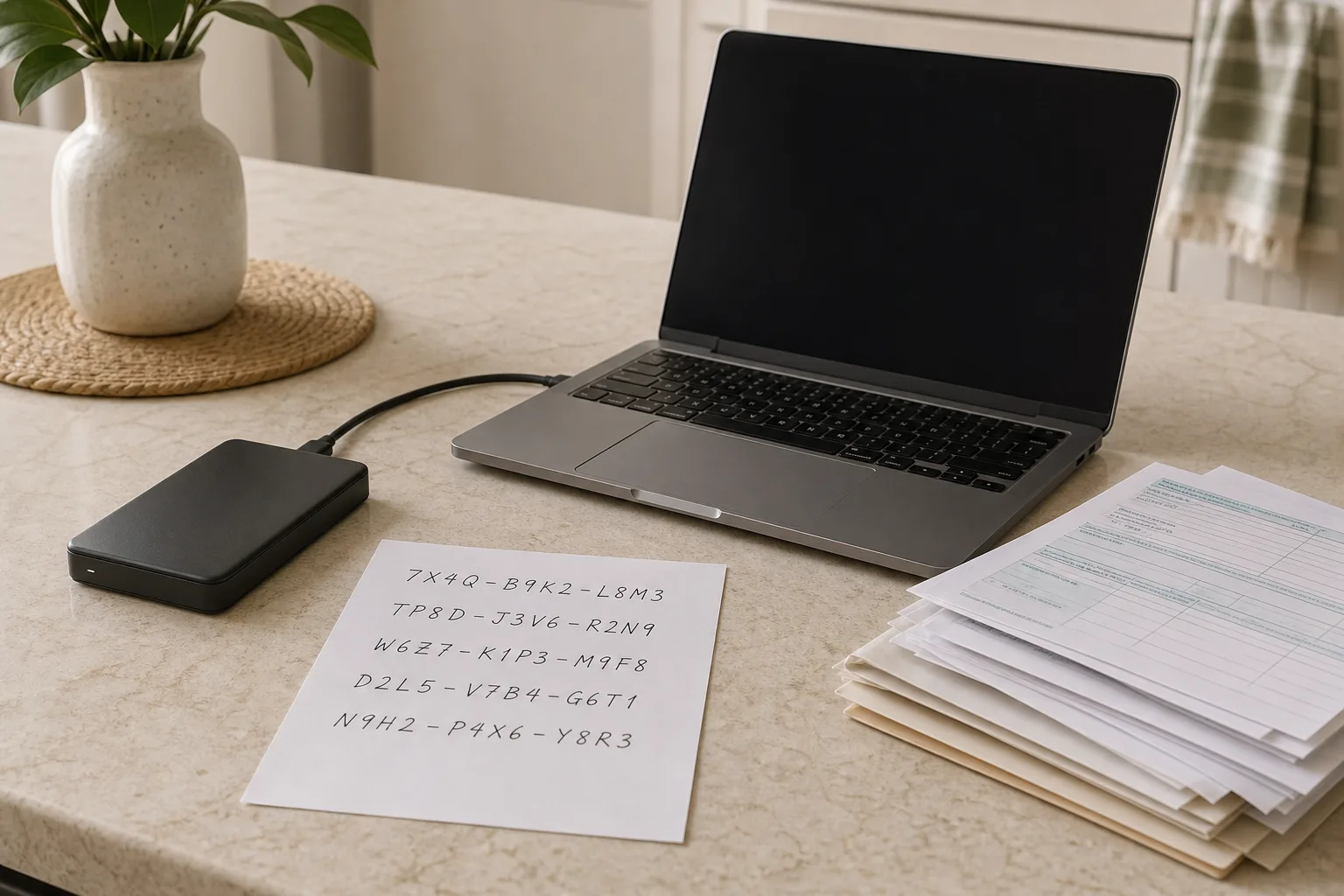
The first backup most people set up works fine. A box is checked, a drive is plugged in, a cloud service starts its initial upload, and the laptop reports that everything is protected. What almost nobody does in that first year is the second half of the job: pulling a file back out and confirming it is the file they expected. Until that happens, the backup is a reasonable assumption rather than a demonstrated fact. The people who find out which one it is are rarely the owner of the data. They are the technician at the repair counter, the tax preparer in February, the claims adjuster after a storm, and the IT contractor at a small business. Each of them sits one step downstream from your decision, and each has a standard set of questions that you can ask yourself months earlier, for free.
The repair bench, where the question arrives too late
Walk a dead laptop into a repair shop and the conversation follows a script. Before anyone quotes a price, the technician asks what is on the drive and where else it lives. The answer determines the entire job. If there is a verified copy elsewhere, the machine is just hardware, and the work is a straightforward replacement or repair at a known cost. If there is not, the job becomes a recovery attempt, priced by difficulty and sold with no guarantee, and the customer spends the next week thinking about photographs rather than about a computer.
What technicians see over and over is not an absence of backups. It is partial ones. A cloud service that was syncing the Documents folder but not the Desktop. A photo library that lived on an external drive the backup software never included, because the software only covers internal storage by default. A phone whose camera roll uploaded automatically until the free tier filled up eleven months ago, after which a small notification appeared and was dismissed. The backup existed. It simply did not cover the thing that mattered.
You can run the bench test yourself in twenty minutes. Open your backup, whether that is a cloud account in a browser or an external drive, and go looking for three specific items: a photo from a trip two years ago, a document you edited last week, and whatever file you would be most upset to lose. If you cannot find all three, you have learned something useful while it is still cheap to fix. Then check the date of the most recent backup. A drive that last ran in March has been quietly disconnected since March.
Tax season sets its own deadline for your records
Between late January and the April filing deadline, tax preparers and bookkeepers spend their days asking clients for documents that should already exist. Last year's return. Mileage logs. Receipts for the home office. Bank statements from a closed account. For a sole proprietor or anyone with a side income, that material often lives in one place: a single laptop, or a single email account, or a shoebox that was photographed and never printed. The preparer's request is what reveals whether the copy is real.
This is the first calendar pressure worth naming, because it is predictable. Record retention is not an abstraction; the IRS sets expectations for how long taxpayers should keep the documents supporting a return, and those periods run for years, which is longer than most laptops last and considerably longer than most people keep the same phone. A backup strategy that cannot produce a 2022 statement in 2026 is not meeting the requirement, no matter how current it is.
Practical version for a first-timer: in the first week of January, before the forms start arriving, make one folder per tax year and confirm it is included in whatever runs automatically. Download the PDFs your bank and brokerage make available rather than relying on being able to log in later; closed accounts and changed providers are the usual reason a document becomes unreachable. If your preparer uses a secure portal, remember that the portal is their system, not your archive. Pull your own copy of the finished return and keep it where you keep everything else.
What an adjuster asks for after the water comes in
Storm and flood season reorders this whole subject. An insurance claim for contents is built on a list, and the list is built from evidence: photographs of the room before the damage, receipts, model numbers, dates of purchase. Adjusters are used to policyholders reconstructing that from memory, and memory produces a shorter and less valuable list than a phone does. The part people miss is that the evidence and the damaged property frequently live in the same house. A desktop computer in a basement that floods takes the photographs of the basement with it.
The distance requirement follows from that. A copy on an external drive sitting next to the computer survives a hard drive failure and nothing else. The common framing among people who do this professionally is three copies of anything important, on two different kinds of storage, with one of them somewhere else entirely. The off-site copy can be a cloud account or a second drive at a relative's house that you swap on a schedule. What matters is that a single event at a single address cannot take both.
Late summer and early fall are the sensible time to do the inventory walk: one slow video through each room, narrating what things are, plus close-ups of serial numbers on the expensive items. It takes half an hour, it ages well, and it goes into the off-site copy. If you ever file a claim, you will be handing the adjuster a better list than most people can assemble.
The restore drill, borrowed from the IT contractor
Small-business IT contractors do not say a backup is working. They say a restore succeeded on a given date. The difference is the whole profession. A scheduled restore test means pulling data back onto different hardware, timing how long it takes, and confirming the recovered files open. The National Institute of Standards and Technology is the federal body responsible for the cybersecurity guidance that organizations build these practices on, and the recurring theme in that work is verification rather than configuration.
Scaled down for a household, the drill is three steps. First, pick a file at random from six months ago and restore it, not to its original location but to a new folder, then open it and check the contents. Second, confirm you can actually get into the backup account from a device that is not the one being backed up; this is where people discover that the recovery codes for two-factor authentication were saved on the laptop that died. Print those codes or write them down and put them with your other documents. Third, if your backup is encrypted, find the key or passphrase and verify it works. An encrypted archive with a lost key is indistinguishable from no archive.
Two more things the contractors watch for. Versioning, meaning how far back you can reach, matters because ransomware and ordinary file corruption both propagate into a sync folder within minutes; a service that keeps only the current version will faithfully copy the damage. And timing: the first full upload of a large photo library can run for days on a home connection, so start it on a weekend rather than the night before a trip.
A year with four checkpoints
Spread across the calendar, none of this is a project. January is tax records and last year's return. Late spring is the restore test, when you have an unhurried afternoon. Late summer is the contents inventory, before the weather turns. December is the audit of what changed: a new phone, a new camera, an external drive bought in October that nothing is currently copying. Each checkpoint is under an hour, and each one converts an assumption into something you have seen with your own eyes.
The first time you pull a two-year-old file back out and watch it open correctly, the backup stops being a service you pay for and becomes a thing you own. That is the whole shift, and it happens on an ordinary afternoon rather than on the worst day of the year.
About the author
Wesley writes about timing, and why the same job costs differently in March.