Renewal Sixty Days Out? What It Actually Costs to Get Your Data Out First
Exporting your records from a business application has a price, and the calendar moves that price more than most buyers expect. Here is what drives it.
| Author | Wesley Tarbox |
|---|---|
| Section | Enterprise |
| Published | |
| Length | 1,226 words · 5 min |
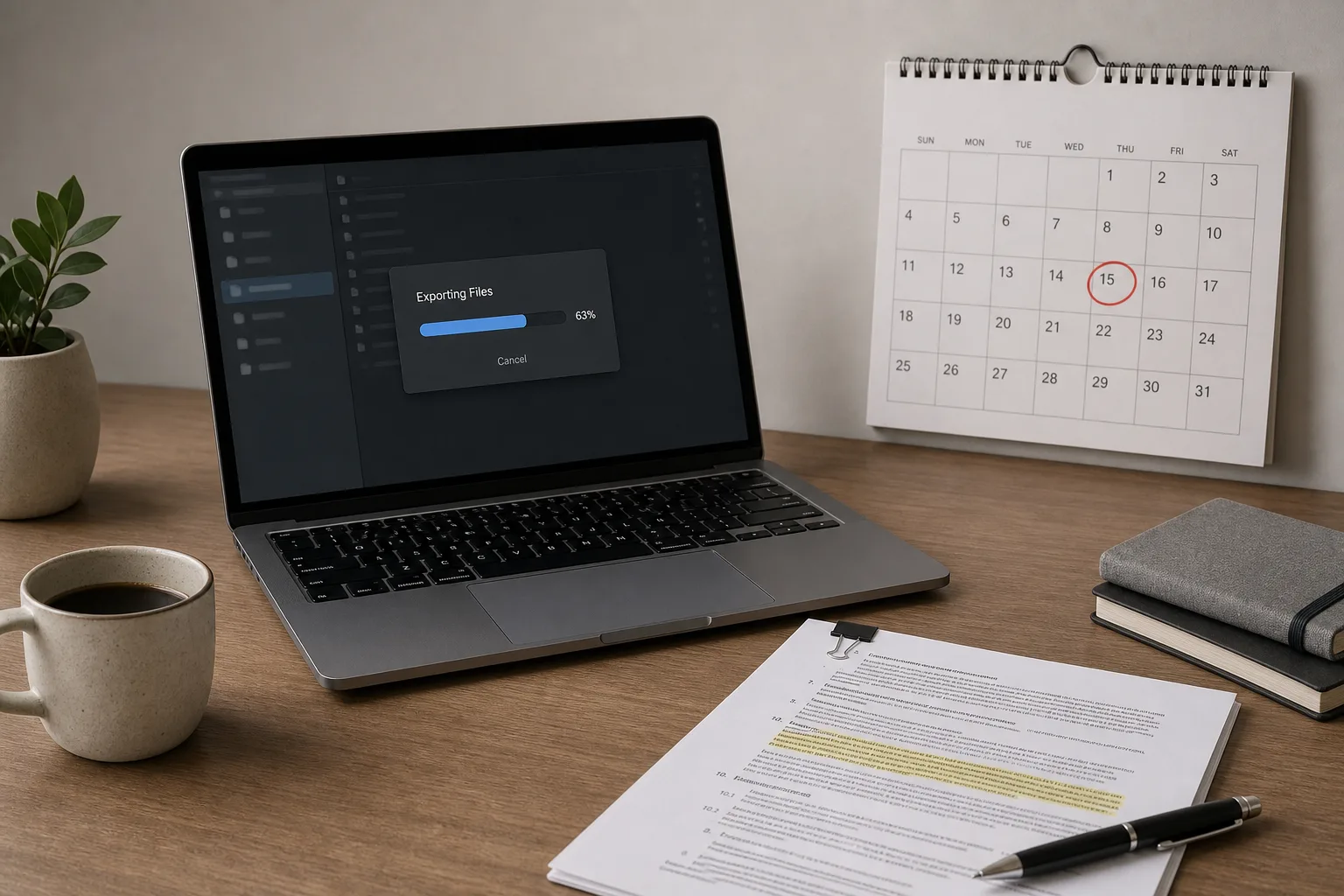
The bill for leaving a piece of business software is almost never the line item you were shown when you signed. It is assembled later, out of export fees you did not anticipate, a month or two of paying two vendors at once, and the hours somebody on your staff spends reconciling what arrived against what you thought you had. The total is knowable in advance. What surprises most buyers is how much it moves depending on when in the year they start, because the people who do this work and the vendor staff who support it are not equally available in March and in December.
Start from the customer's side of the transaction, which is where the costs actually land. You are not buying a migration. You are buying a usable copy of your own records, in a shape that a second system will accept, delivered before a renewal date that you probably did not choose.
The four cost buckets, and which one is usually largest
Extraction is the first bucket and often the smallest. Most business applications include some form of self-service export: comma-separated files of your core records, a downloadable archive, or an application programming interface (an API, the structured channel one system uses to hand data to another) that a technical person can pull from. If everything you need comes out that way, extraction can cost you nothing but staff time. The cost appears when it does not. Attachments, file uploads, email threads, call recordings, audit history and anything rendered as a report rather than stored as a record frequently sit outside the standard export. Getting those usually means a vendor-run extract, quoted as a professional services engagement.
Transformation is the second bucket and is the one that quietly grows. The receiving system has its own field names, its own required fields, its own rules about what a valid date or a valid customer identifier looks like. Someone has to map old to new, decide what happens to the fields with no destination, and clean records that were entered inconsistently over years. This is billed by the hour, whether the hours belong to a consultant or to your own operations manager who is not doing her regular job that week.
Parallel running is the third. For a period, you pay both vendors. You keep the old system live and readable while the new one takes on live work, because nobody trusts a cutover until they have watched a full cycle complete in the new place. A payroll cycle. A month-end close. A full billing run. Budget for at least one complete cycle of whatever your most consequential process is, and price both subscriptions for that window.
Verification is the fourth, and it is the one most often skipped and most often regretted. Counting records, spot-checking balances, confirming that the seventh attachment on an old order is still attached. It is unglamorous and it is the only thing standing between you and discovering a gap eight months later.
What the calendar does to the price
Migration work is seasonal in a way that catches people out. The heaviest demand clusters around fiscal year boundaries, because finance leaders want a clean break in the books and a new system carrying a full year rather than a partial one. For companies on a calendar year, that means the work stacks into November, December and January. Implementation partners raise rates or simply decline new engagements in that window. Vendor professional services queues stretch. The same extract that takes ten business days in May can take five or six weeks if you request it in the second week of December.
The other calendar pressure is contractual. Most subscription agreements auto-renew unless you give notice inside a defined window, commonly thirty, sixty or ninety days before the term ends. That notice date, not the renewal date, is your real deadline. If you miss it, you have bought another term, and the migration you were going to do under time pressure becomes a migration you will do with a paid-for system sitting idle. Pull the agreement and find the notice provision before you price anything else.
There is one more date worth marking. Many contracts give you a post-termination window, often thirty to ninety days, during which the vendor will make your data available for retrieval. After it closes, deletion is not a threat but a policy, and a legitimate one. Work backward from that date, not forward from today.
What you are actually entitled to, and how to find out early
Three clauses decide most of it. The first is the data ownership clause, which almost always confirms that your content is yours. That is reassuring and does less work than it appears to, because owning something is not the same as being handed it in a convenient format. The second is the return-of-data clause, which states what the vendor will provide on termination, in what format, and within what period. Read whether it says "in the vendor's standard format" and assume that it does. The third is the assistance clause, which tells you whether help beyond the standard export is included or billable, and at what rate.
Separately, consider what your business is required to keep regardless of which software you use. The Internal Revenue Service is responsible for the recordkeeping rules that govern business tax records, and those obligations attach to your company, not to your vendor. A migration is a good moment to confirm that anything you must retain is retained somewhere you control, in a form a person could still read years from now. A flat file archive on your own storage, made at the moment of export, is cheap insurance and takes an afternoon.
A sequence that keeps the number down
- Find the notice date in the contract. Everything else scales from it.
- Run the standard self-service export now, in full, while you are still a paying customer in good standing. You learn what is missing while there is time to ask for it.
- List what did not come out. Attachments, history, custom fields, reports.
- Get the vendor's written quote for the gap, and a delivery date, in writing.
- Book any outside help outside the year-end crush if your timeline allows it.
- Verify before you cancel, not after.
Buyers who run that sequence tend to report a total that is boring and predictable: some staff time, a modest vendor extract fee, one or two months of doubled subscription, and a weekend of checking. The large bills belong almost entirely to people who started after the notice window closed.
Asking the question before you sign the next one
The most useful moment to establish exit cost is during the sales conversation for the system you are moving to. Ask for the export formats in writing, ask what falls outside them, ask what the return-of-data window is and what assistance is billable. Vendors who answer plainly are telling you something real about how the relationship will run. The answer costs nothing to obtain in February and a great deal to discover in December.
Put the notice date in the same calendar you use for tax deadlines and insurance renewals, with a reminder two weeks ahead of it. That single entry does more to control the cost of leaving than any negotiation you will have later.
About the author
Wesley writes about timing, and why the same job costs differently in March.