Shoebox, Spreadsheet or Software? Picking the Record System You Will Actually Keep Up
Four ways to keep records for a first return, what each one costs in money and attention, and the one part of the job you should not do yourself.
| Author | Corinne Adeyemi |
|---|---|
| Section | Financial |
| Published | |
| Length | 1,044 words · 4 min |
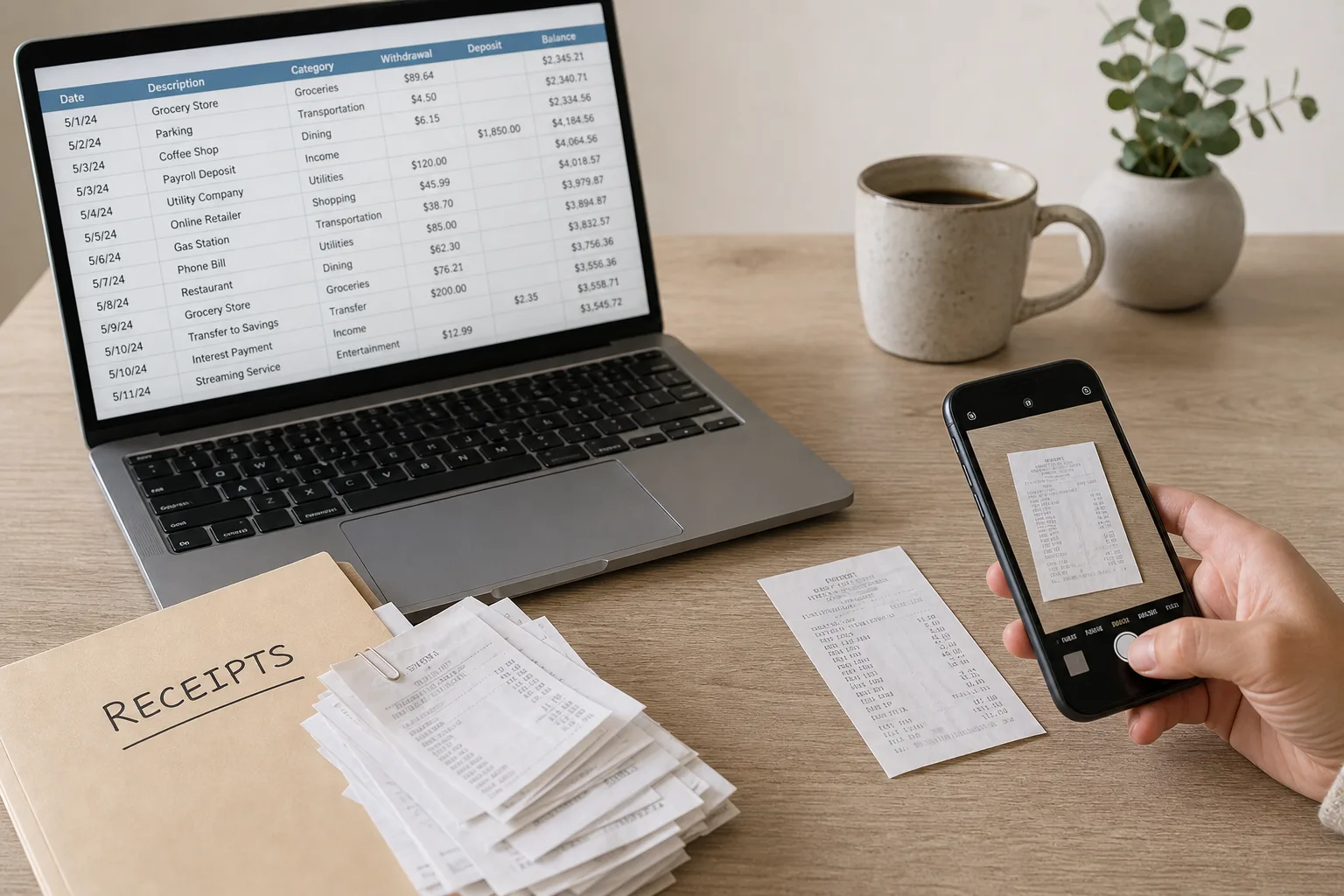
The first time you file a return with anything other than a W-2 behind it, the hard part is rarely the form. It is reconstructing a year you did not document while you were living it. Every method of keeping records is really a bet about your own future attention: how much work you will reliably do each month, and how much you are willing to pay someone else to do instead. Picking the wrong one is not a disaster, but it decides whether next spring costs you an afternoon or a weekend of bank statements and guesswork.
Below are the four systems most people actually use, what each one handles well, and where each one breaks. Before that, it helps to be clear about what a return is asking for, because the answer is narrower than most first-timers assume.
What a return actually needs from you
A return asks three questions. What came in, what went out that qualifies as a deductible expense, and can you prove both. The IRS is responsible for the recordkeeping standards that sit behind the third question, and the standard is not a particular app or format. It is that your records be sufficient to establish the amounts you report. A legible receipt in a shoebox satisfies that. A beautiful dashboard with no underlying documents does not.
That distinction matters because most record-keeping tools solve the first two questions, the arithmetic ones, and barely touch the third. Software will categorize a charge at a hardware store as supplies. It will not tell you, two years later, that the charge was a bathroom faucet for your own house. The note you wrote at the time does that. Whatever system you pick, it needs a place for the note and a place for the document, not just a place for the number.
Separate your accounts before anything else. One checking account and one card used only for the business or the rental or the side work. This single step does more to make a return straightforward than any software purchase, because it converts the question "which of these four hundred transactions were business?" into "here is the statement." If you do nothing else from this article, do that.
Paper and a folder
A labeled folder per month, receipts dropped in, and a single sheet at the front where you write the date, the vendor, the amount, and one phrase about what it was for. Cost is near zero. The failure mode is thermal receipts that fade to blank by February, so photograph anything printed on slick paper the day you get it.
Paper works genuinely well for a narrow set of situations: a first year with low volume, maybe thirty to sixty transactions, a single income source, and no inventory. A freelancer with four clients and a laptop can file cleanly off paper. The moment you are running two hundred transactions, the handwritten summary sheet stops being maintained, and an unmaintained sheet is worse than none because you will trust it.
A spreadsheet fed by bank exports
This is the step most people should take first, and the one most often skipped in favor of buying software. Every bank and card issuer will export the year to a CSV file. You open it, delete the columns you do not need, add two of your own (category, and a notes column), and sort. An hour a month, or three hours once a quarter.
What you get is real: totals that reconcile to a statement, because they came from the statement. What you give up is automation and any built-in link between the line and the receipt. Solve that with a naming convention. Save each receipt image as the date, the vendor, and the amount, in one cloud folder. Then the spreadsheet line and the document find each other in a search box.
A spreadsheet handles a surprisingly large operation. Rental property, contract income, a small retail side business without inventory. It stops being adequate when you need to invoice clients and track who has paid, or when you are handling sales tax, or when payroll enters the picture.
Bookkeeping software
Subscription accounting products connect to your accounts, pull transactions in daily, and let you set rules so that a recurring charge categorizes itself. They produce a profit and loss statement on demand, which is what a preparer actually wants from you. Most now accept a photo of a receipt and attach it to the transaction, which closes the proof gap that paper and spreadsheets leave open.
The cost is monthly, and the real cost is setup. An untended feed produces a year of transactions sitting in "uncategorized," and cleaning that up in March is slower than the spreadsheet would have been. Software earns its keep when volume is high, when you invoice, when you have employees or contractors to pay, or when more than one person touches the money.
Paying someone, and what you still owe them
A bookkeeper categorizes and reconciles monthly. A preparer or CPA files. These are different people doing different jobs, and hiring the second does not relieve you of the first. A preparer handed a shoebox will either charge you for the hours to sort it or ask you to sort it yourself.
Here is the part you should not do alone: the first-year decisions that set a pattern. Whether an expense is deductible now or depreciated over years, what your filing obligations are, whether you owe estimated payments quarterly. Those are judgment calls with multi-year consequences, and one paid hour of advice before you start is cheaper than an amended return.
Which one suits which situation
| System | Fits | Breaks when |
|---|---|---|
| Paper folder | Under ~60 transactions, one income source | Volume rises or receipts fade |
| Spreadsheet from exports | Rental, contract work, most side businesses | You need invoicing, sales tax, or payroll |
| Software | High volume, invoicing, employees | Nobody tends the feed |
| Bookkeeper | Time worth more than the fee | You still send documents late |
Pick the lightest system you will actually maintain, then upgrade when it strains rather than in anticipation. A spreadsheet kept current every month beats software abandoned in week three, and the separate bank account makes any of the four work better than it would otherwise.
About the author
Corinne writes for readers doing some of the work themselves.